Treadmill Comparisons
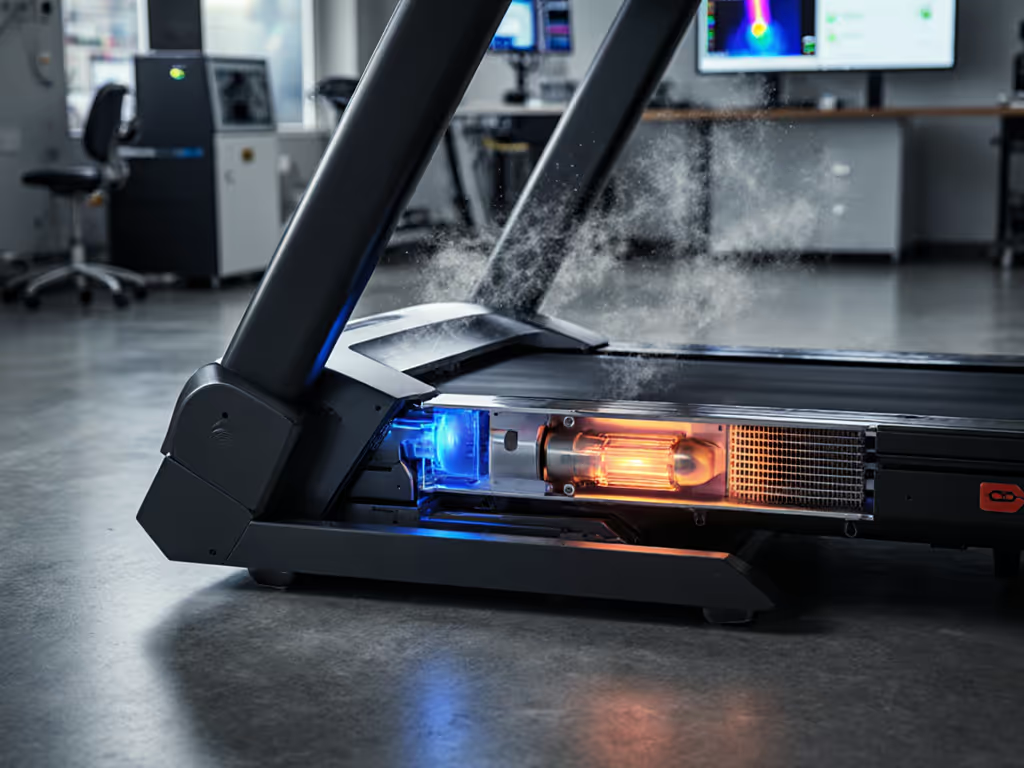
Thermal Management Systems Compared: Cooling Efficiency & Design
10th May•13 min read
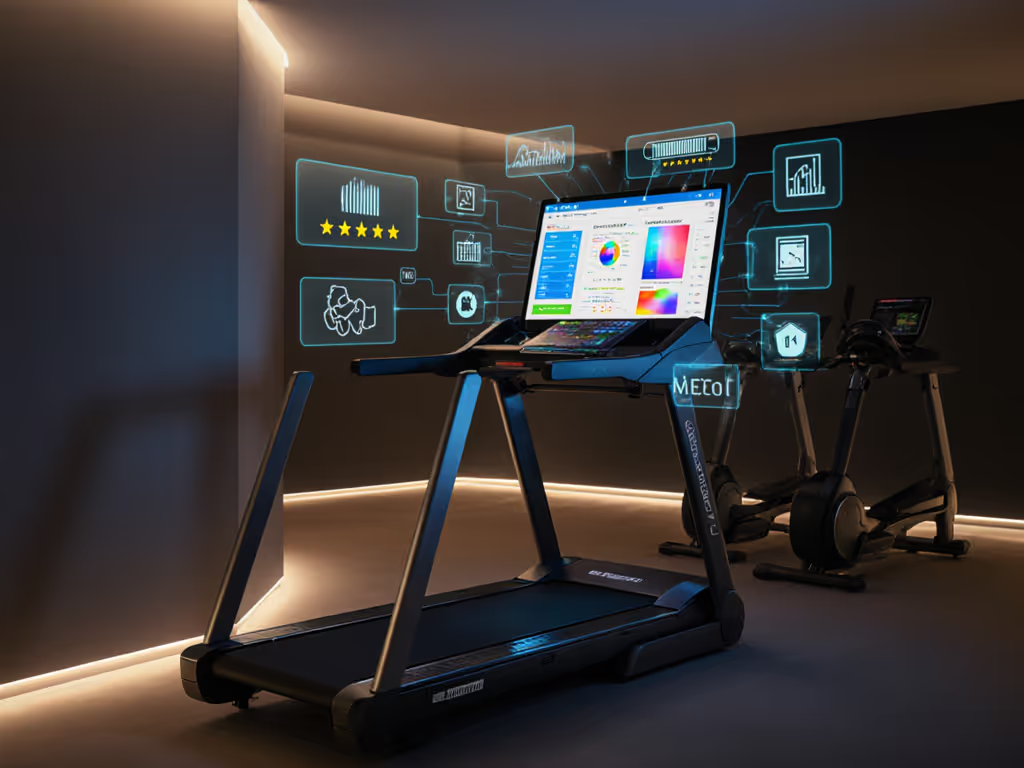
When you're running at home, your treadmill becomes more than just cardio equipment, it becomes a portal. You can transform those miles into language lessons, podcast deep-dives, audiobook chapters, or skill-building content. But not every treadmill learning integration works the same way, and the connectivity features that unlock educational potential often hide maintenance obligations most buyers never anticipate. If data security matters alongside connectivity, see our treadmill data privacy comparison.
I spent years as a mobile tech fixing machines that failed not from wear but from neglect (and increasingly, from screen and electrical issues tied to always-on connectivity). The machines that stayed quiet and lasted? They had simple, durable designs. But the ones that held up and kept owners engaged for five-year stretches? They matched the learning features to the user's actual commitment. This article cuts through the noise.
Educational treadmill comparison isn't about comparing belt lengths or motor horsepower: it's about evaluating how a treadmill's smart features enable you to learn while you train. If you still want to understand specs like horsepower and deck thickness, start with Treadmill Manual Decoded to match hardware to your body. Think of it as comparing the content ecosystem and connectivity infrastructure across machines, not just the running deck.
A treadmill with a 24-inch touchscreen and integrated Netflix, Spotify, and YouTube is fundamentally different from one with a 5-inch display that only shows splits and heart rate. The first lets you listen to language lessons, follow educational YouTube channels, or queue up audiobooks during your run. The second keeps you focused on the run itself.
The comparison matters because adding treadmill podcast compatibility and audiobook treadmill integration doesn't just change how you use the machine, it affects screen durability, app stability, software update cycles, and long-term serviceability. A treadmill that can't keep apps current becomes a liability, not an asset.
The major platforms break into distinct tiers:
iFIT (NordicTrack and ProForm models) is the heavyweight. Models like the NordicTrack Commercial 1750 and 2450 pair massive touchscreens (24 inches on the 2450) with trainer-led video workouts, entertainment apps, and (crucially) integration with Google Maps for scenic virtual routes.[1][3] The system auto-adjusts speed and incline as you follow content, which means it controls your training while you engage with educational material.[1] The catch: iFIT requires a $39-per-month subscription and the interface is closed, you can't simply load any podcast app or audiobook platform freely.[2]
Peloton's ecosystem (Peloton Tread) centers on live and on-demand instructor-led classes on a 23-inch touchscreen.[1] Like iFIT, it's a proprietary system requiring a $49 to $50 monthly subscription, but the appeal is the community and dynamic programming, not open-ended learning tools.[1][2] If you want to run while following a TED talk or language course, Peloton's walled garden is restrictive. For a head-to-head on ecosystems and fees, see iFIT vs Peloton: which subscription pays off.
Sole F80 (no subscription required) stands apart. It features a 10-inch touchscreen with Sole Plus trainer classes included, plus native access to Netflix, YouTube, and other apps without an extra membership fee.[2] This is closer to what language learning treadmill users actually want: flexibility. Screen mirroring your phone also lets you pull in any content (podcasts, Duolingo, or educational videos) directly.[2]
Bowflex and Horizon models lean toward the JRNY app ecosystem, which integrates with third-party services like Zwift and Peloton (as an add-on).[1] This flexibility is a win for multitasking treadmill features (you're not locked into one content ecosystem), but it requires bringing your own tablet or using a smaller built-in screen, which limits the learning experience on longer runs.
Aviron Victory offers a 22-inch HD touchscreen with built-in scenic workouts and interactive games, plus app integration.[1] It's solid for entertainment and gamified learning, though not as content-rich as iFIT.
A screen alone isn't integration. Many treadmills have a basic console that displays speed, distance, and heart rate, useful data, but it doesn't enable learning.
True treadmill learning integration means:
The Sole F80, for example, achieves this through open app integration and screen mirroring.[2] The NordicTrack 2450 achieves it through iFIT's built-in content library, but locks you into their ecosystem.[3] Neither is universally "better": it depends on whether you value breadth (Sole) or depth (NordicTrack) of integrated content.
This is where practical experience from repair calls teaches hard lessons.
A 24-inch screen (NordicTrack Commercial X24 and 2450) is superb for reading captions on educational videos, seeing language lesson visuals, or following tutorial content.[1][3] But larger screens also draw more power, generate more heat, and demand better ventilation: dust buildup around the screen bezel is the #1 killer of touchscreen longevity I've seen.[1][3]
A 10-inch screen (Sole F80) is more efficient and less prone to overheating, but you'll rely more on treadmill podcast compatibility through headphones and less on visual content.[2]
A 22-inch screen (Aviron Victory) balances size and durability, offering good visibility without the thermal footprint of a 24-incher.[1]
Connectivity matters more than size. WiFi reliability is non-negotiable for streaming; a treadmill that drops connection mid-run breaks the learning experience. Bluetooth to wireless headphones keeps audio seamless if you're listening to language lessons or audiobooks without video.
Here's the maintenance truth: every smart treadmill with a large screen is one rain-prone capacitor away from a $400 to $800 board replacement. I've seen it dozens of times. The machines that lasted were those with proper cable management and ventilation, not fancy features, just solid engineering. Preventive care beats warranty claims nine days out of ten, especially with electronics.
Educational integration looks cheap until you calculate the full bill.
iFIT (NordicTrack): $39/month. Over five years, that's $2,340, plus the treadmill cost and electricity.[2] You get trainer-led workouts and scenic content, but there's no "free tier" if you want the full experience.[3]
Peloton: $49 to $50 per month. Similar math: ~$2,940 over five years.[1][2] The payoff is community and motivational instructors, not broad educational content.
Sole F80: No subscription for basic trainer content and app access. If you want premium content, it's optional.[2] This is the most economical for learning integration, you're not forced into a recurring fee just to run while listening to a podcast or audiobook.
Bowflex (JRNY app): JRNY app memberships start at roughly $10 to $15 per month, more affordable than iFIT, but requires a tablet integration.[2]
Total cost of ownership over five years also includes electricity (roughly $10 to $20 per month for any motorized treadmill), occasional belt lubrication ($5 to $15 per year), and the dreaded component failure outside warranty (belt replacement, $200 to $400; motor issue, $300 to $800). If you buy based on learning integration alone and ignore durability, you might end up replacing the machine in year four, not year seven.
This is the subtle part most reviews skip. When you're following content (reading subtitles, scanning a Duolingo lesson, watching a YouTube tutorial), your attention splits between the screen and your form.
Treadmill overuse injuries spike when runners zone out during audiobooks or get distracted by a podcast.[2] Your foot strike changes, your gait shortens, your core engagement drops. Over months, that's tendinitis, IT band issues, or foot pain.
From a machine perspective, distracted runners also:
Multitasking treadmill features are great for motivation and engagement, but they require discipline. Use a checklist: listen, feel, track, clean. Listen for abnormal sounds. Feel for belt slippage or vibration. Track your belt lubrication date. Clean dust and debris monthly. The machines with the best longevity I've maintained belonged to users who practiced this ritual, even while catching up on a language course.
For language learning or detailed visual content (Duolingo, tutorial videos, TED talks):
Choose a machine with a screen 20+ inches and app flexibility. Sole F80 (10-inch but with screen mirroring) works well if you accept smaller visuals.[2] NordicTrack 2450 or X24 (24-inch) is overkill for learning but offers the real estate.[1][3] Aviron Victory (22-inch) splits the difference, large enough for subtitles, not so massive it dominates your room.[1]
For podcasts and audiobooks (minimal visual content):
You don't need a large screen. A basic treadmill with Bluetooth connectivity and a solid speaker is enough. Pair your phone via Bluetooth and listen through earbuds or the machine's audio. Any model with decent WiFi stability works, including Bowflex T9, T16, or Horizon models.[2]
For open app integration without subscriptions:
Sole F80 is the pragmatic choice: trainer content is included, app access is free (Netflix, YouTube, etc. require your own account but not a treadmill subscription), and screen mirroring is built-in.[2]
For closed-ecosystem learners (prefer curated content):
NordicTrack 2450 or 1750 with iFIT; or Peloton Tread if you value instructor-led motivation over broad educational content.[1][3] You pay more monthly, but the training is cohesive and progressive.
Smart treadmills with screens and constant connectivity demand a different checklist than basic machines:
A treadmill that can stream Netflix and language apps is only as good as the wiring and components that support it. For step-by-step upkeep that prevents failures, follow our treadmill maintenance manual. Neglect the unglamorous stuff, dust, lubrication, cable routing, and a five-figure machine becomes e-waste in 18 months.
Your next step is honesty: Do you actually use educational content during runs, or does learning integration feel like a feature you should want? If you're a podcast listener or language learner who needs a screen-free audio experience, a mid-range Bowflex or Horizon with Bluetooth is sufficient and cheaper to maintain. If you're driven by visual feedback and want YouTube tutorials or immersive content, a 20 to 24 inch screen with open app access (Sole F80 via mirroring, or NordicTrack if you'll use iFIT) justifies the investment.
But in all cases, verify that the machine you choose fits your actual home, body, and maintenance capacity. Screen size and app flexibility matter far less than a durable, repairable machine you'll maintain consistently. Test the touchscreen responsiveness in person if possible; ask the retailer about parts availability and repair lead times in your area. And plan for the hidden costs: subscriptions, electricity, eventual repairs, and the time to keep the system running cleanly.
A well-maintained treadmill with learning integration becomes a tool for long-term fitness and personal growth. A neglected one becomes an expensive, silent reminder of good intentions.